


SD card photo recovery: a photographer’s guide

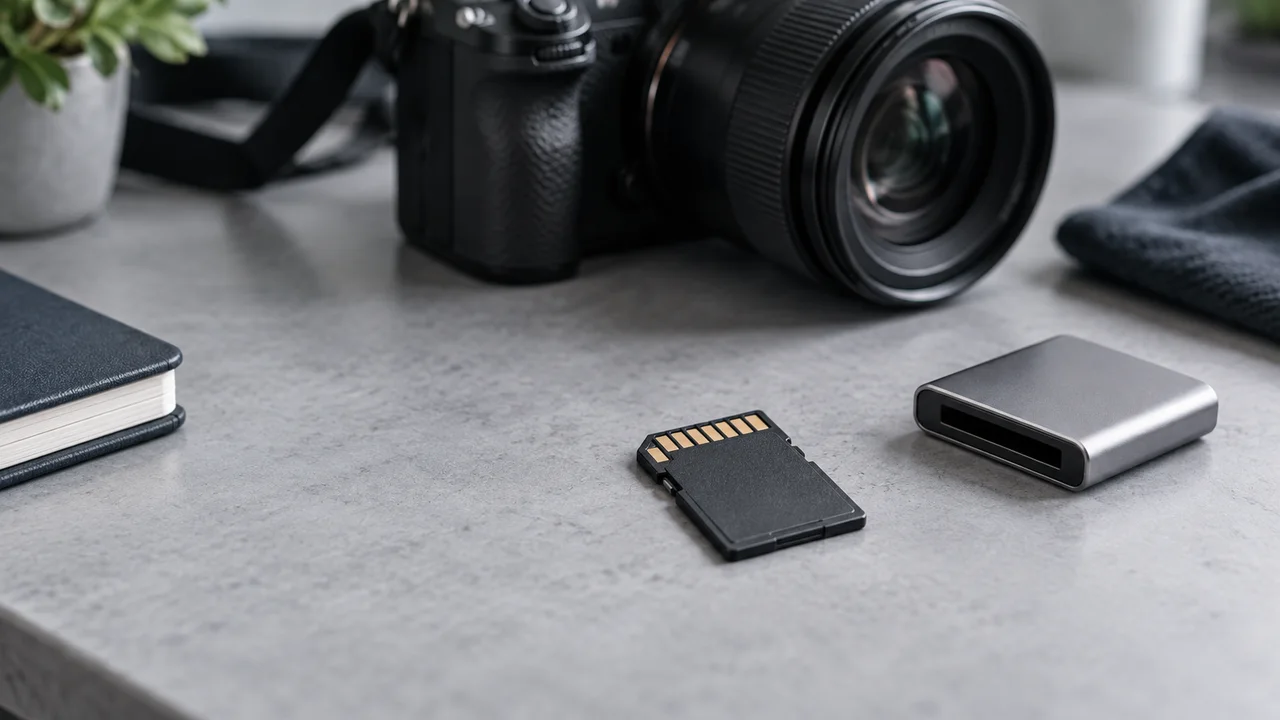
If photos disappear from an SD card, stop shooting on it and do not format it. Keep the card safe: recovery depends on the fault and subsequent writes, and complete recovery is never guaranteed.
The shoot is over, but the images are missing
A wedding, an event or a commercial shoot can contain moments you cannot capture twice. Finding a card error on the camera, a format prompt on the computer or an unexpectedly empty folder is a difficult way to end that working day.
It does not automatically mean every image is gone for good. A card error does not, by itself, confirm that the memory chip is physically damaged. Deleted files, a damaged file system and physical card damage are different problems. The first priority is to preserve what remains, not to make the card ready for another shoot.
First steps: protect the remaining data
Preventing new writes is the first precaution. Further shooting can overwrite data that might otherwise be recoverable. Use a different, working card if you need to finish the assignment, and set the affected one aside.
- Stop shooting. Before removing the card, ensure the camera has finished writing; then switch it off and follow its removal instructions.
- Decline any camera or computer prompt to format the card.
- Put the affected card in a separate protective case and label it so it is not accidentally used again.
- Use another device to check existing copies on a second card, computer, external drive or cloud storage.
Deleted files or a physically damaged card?
Accidental deletion and file-system corruption are different faults, but some data may still be present in either case. An empty folder, an error message or a request to format the card does not identify the cause on its own.
Do not reinsert a cracked, bent or wet SD or microSD card into a camera or reader. If detection comes and goes, stop further attempts and request an assessment rather than repeatedly trying recovery applications. Software cannot repair a broken casing or a damaged electronic component, and specialist intervention does not guarantee success either.
What to avoid before recovery
Restoring a card to use and preserving lost photographs are different goals. For valuable material, avoid automatic repair operations or formatting before assessment. Formatting behaviour varies: the SD Association’s utility distinguishes Quick Format from Overwrite Format. That distinction is not a reason to treat a camera’s quick-format option as a safe recovery step.
- Do not take test shots or copy new files onto the affected card.
- Save recovered material to another healthy drive, never back onto the source SD card.
- Do not open or heat the card, or attempt improvised work on its contacts.
- If you have already formatted it, do not repeat the operation; record which device and method were used.
Can RAW, JPEG and video files be recovered?
Recovery can sometimes include JPEG images, RAW files and video, but support depends on the camera, file format and recovery method. An application supporting one RAW format does not establish compatibility with every camera or card.
A recovered filename or thumbnail is not proof of an intact original. Open photographs at full size and check video playback. Severe corruption or overwritten data may prevent recovery. A promise that every frame will definitely return is not a substitute for an assessment.
What to prepare for an assessment
A useful assessment starts with the history of the incident, not just the information printed on the card. Explain what happened before the files disappeared and what you did afterwards. If you already copied some material, identify the missing shoot or time period as precisely as possible.
- Camera model, card brand and capacity, and whether it is SD or microSD.
- The error you saw and when the card last worked normally.
- Whether files were deleted, the card was formatted or shooting continued after the loss.
- Any recovery applications or repair attempts already used, plus any liquid or physical damage.
- Your priority material: RAW photographs, JPEGs, video or images from a particular event.
Protecting the next shoot
Two card slots do not automatically create a backup. Where supported, select Backup to duplicate the same material. Overflow moves to the second card when the first fills up; splitting RAW and JPEG across cards is not a duplicate of both originals either. Check your own camera’s manual separately for simultaneous video recording support.
After the shoot, keep copies on independent storage and verify that they open before preparing the card for reuse according to the camera’s instructions. The card should not be your only archive. Make safeguarding the day’s material part of finishing the assignment, not an optional task for later.
SD card assessment at TECSERVICE
If an SD card is unreadable or important photographs and footage are missing, contact TECSERVICE about data recovery. Share the card and camera details, describe the incident and explain any previous attempts. The service link on this page leads to more information about data recovery.
Recovery options, cost and timing require an individual assessment. Before bringing the card in, stop using it for photography and do not try formatting it. The most useful action now is to protect the remaining material from further changes.
This article is a general guide. Follow the manufacturer’s instructions for your particular device.
