


Laboratory data recovery
Safe data recovery from HDD, SSD, RAID, NAS, USB and SD storage using PC‑3000 and Data Extractor laboratory systems.
Data Extractor6 storage types
HDD, SSD, RAID, NAS, USB and SD15 years of
ExperienceConfidential
Process
What happened to your data?
Choose a symptom. Repeatedly powering on a damaged storage device can reduce the chances of recovery.
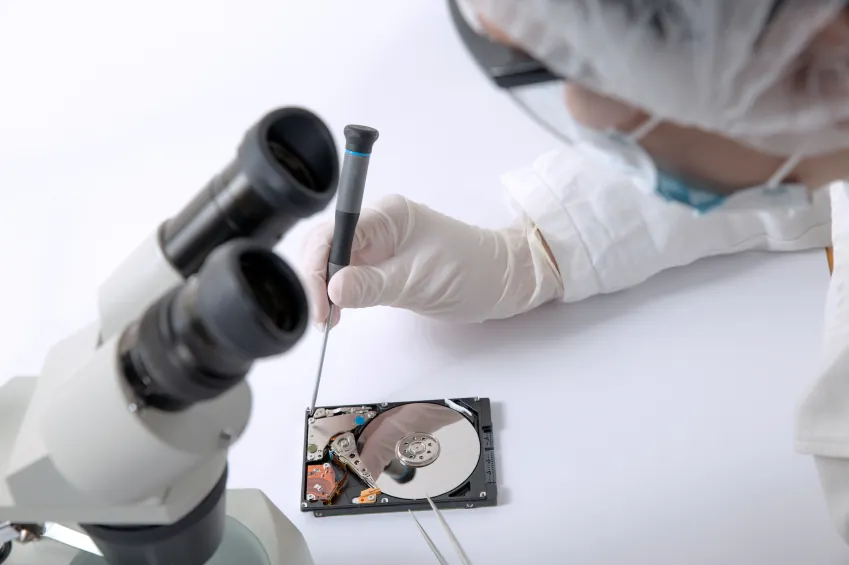
The drive clicks or no longer spins
Unusual noise, a drop or an impact may indicate physical damage to the head stack, motor or platter surface, or a firmware fault.
- Non-invasive initial diagnostics and electronics inspection
- Assessment of ROM, service area, head map and platter surface condition
- Identifying a compatible donor drive and matching head stack
Laboratory process
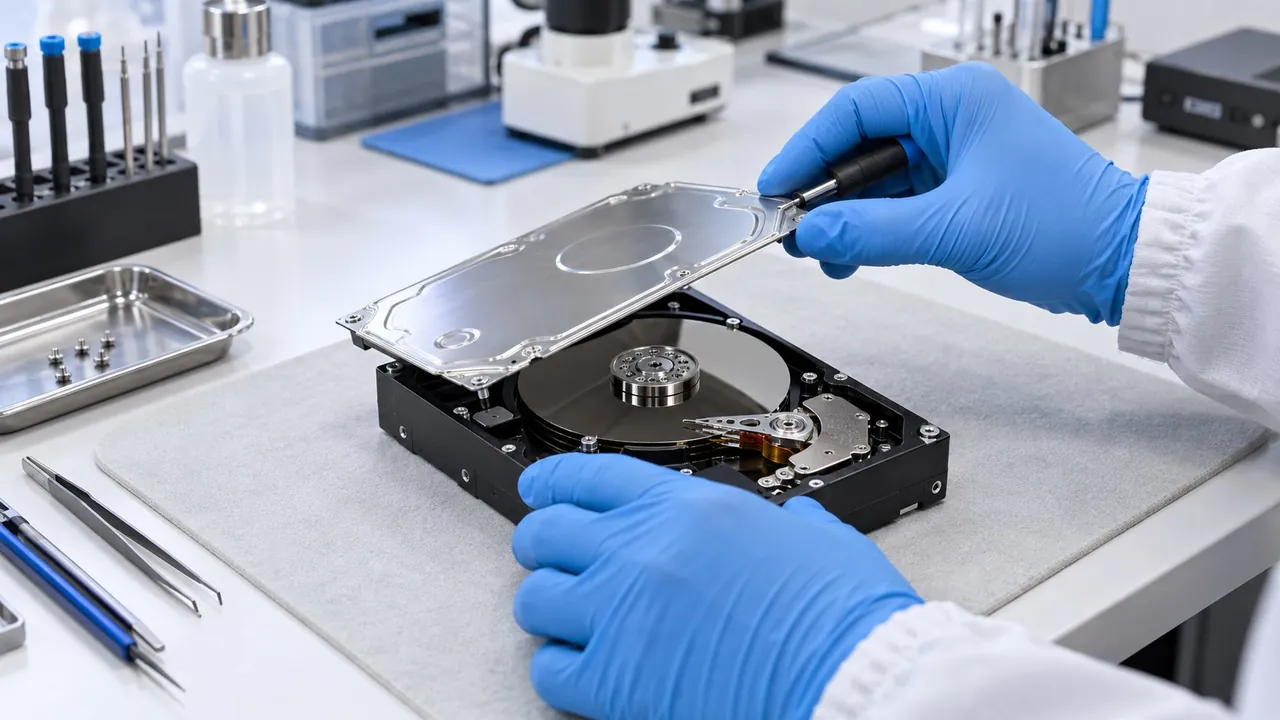
Controlled access using PC‑3000, replacement of the head stack with a compatible donor assembly in a controlled environment if needed, sector-by-sector imaging in Data Extractor, and only then file recovery.
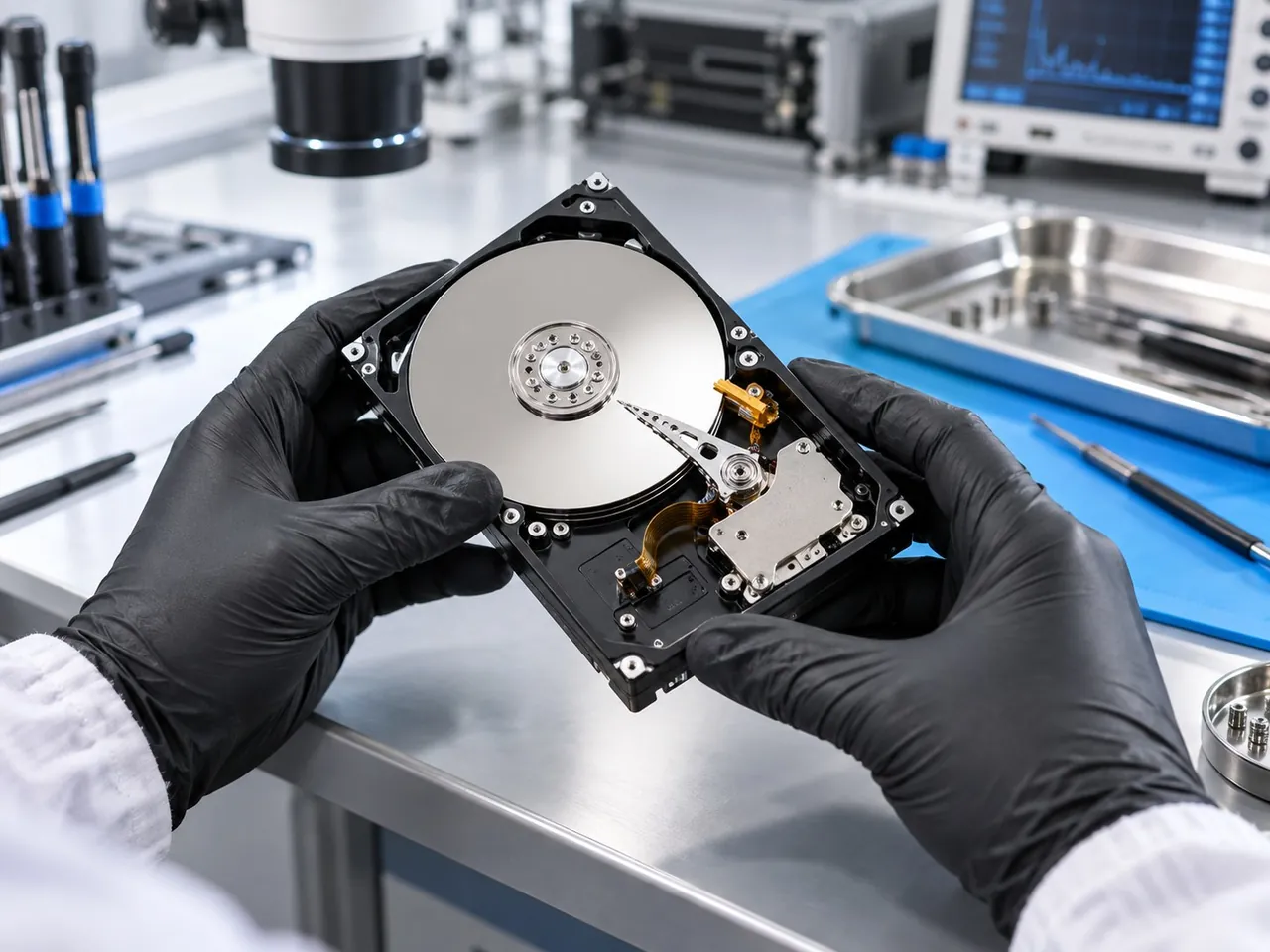
Not sure? An inspection at our service centre can help identify the cause.
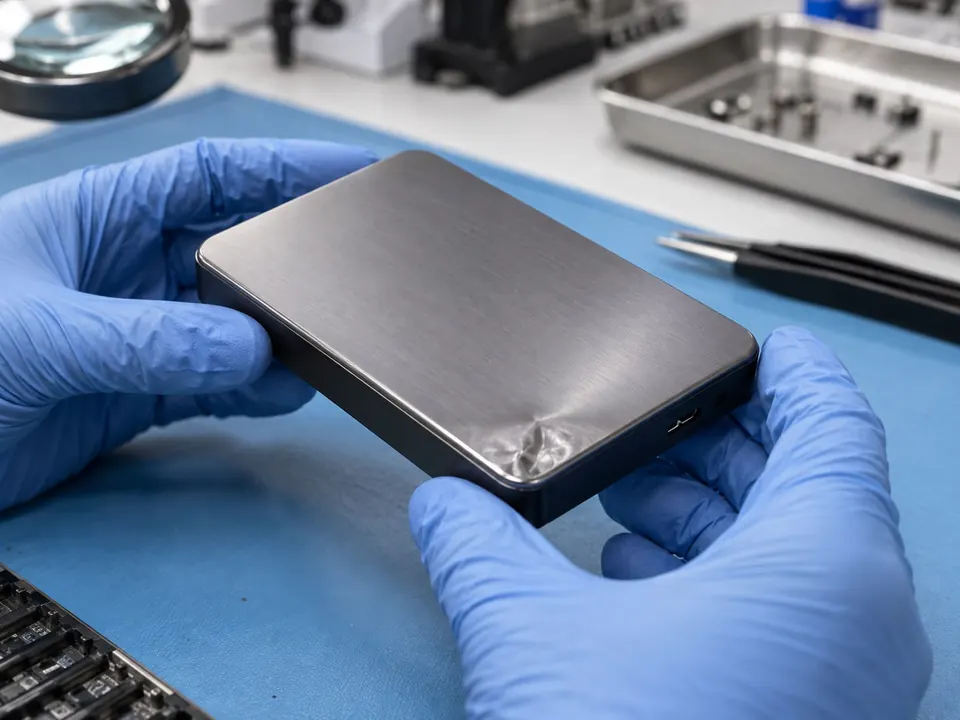
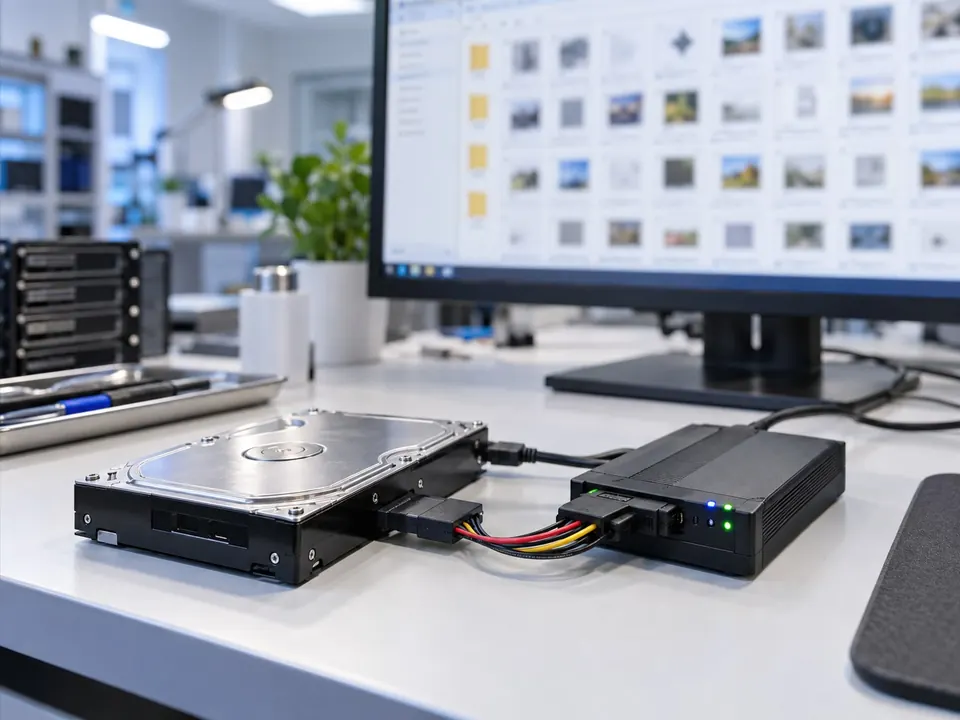
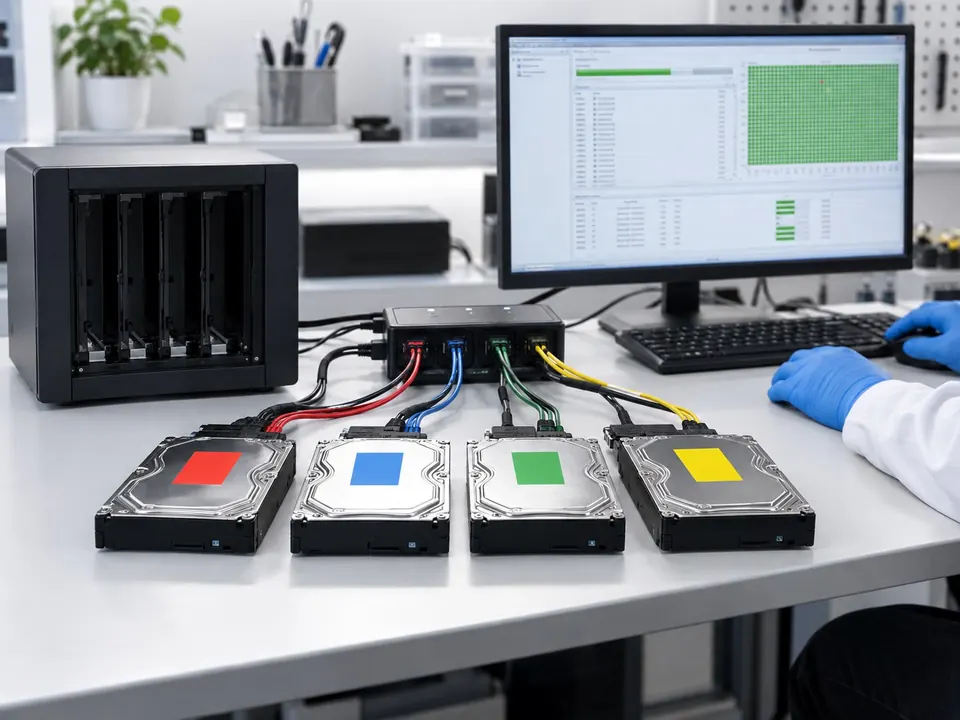
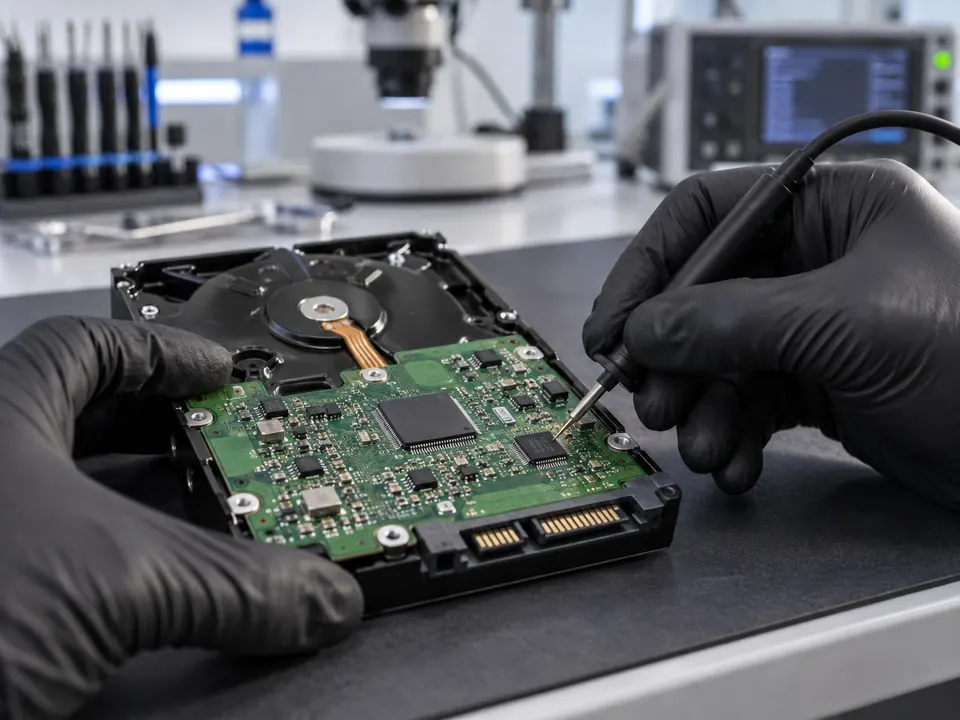
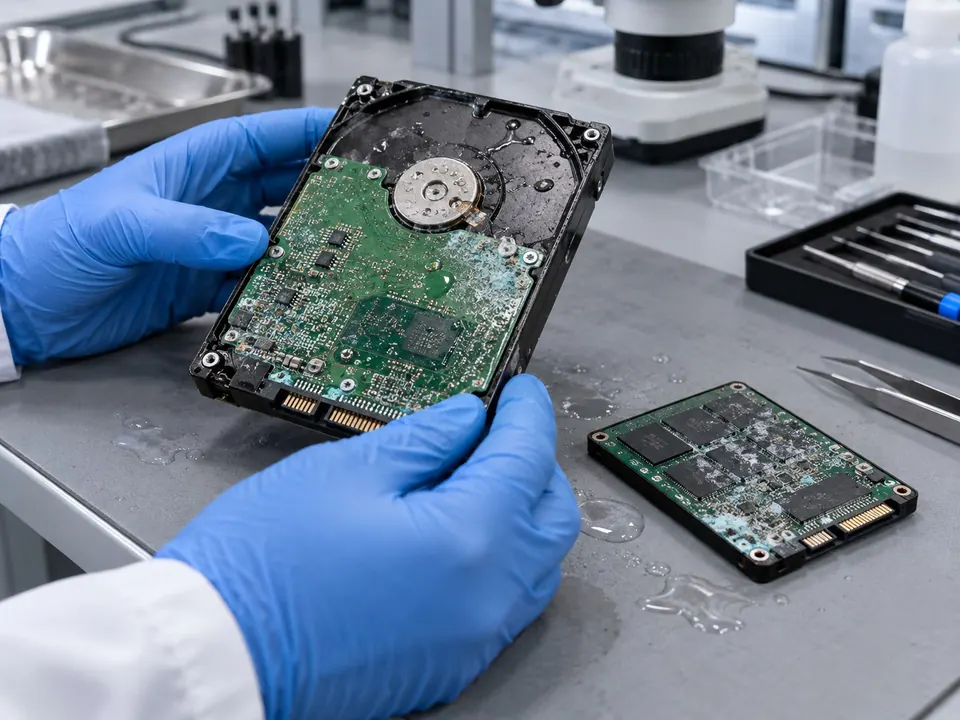
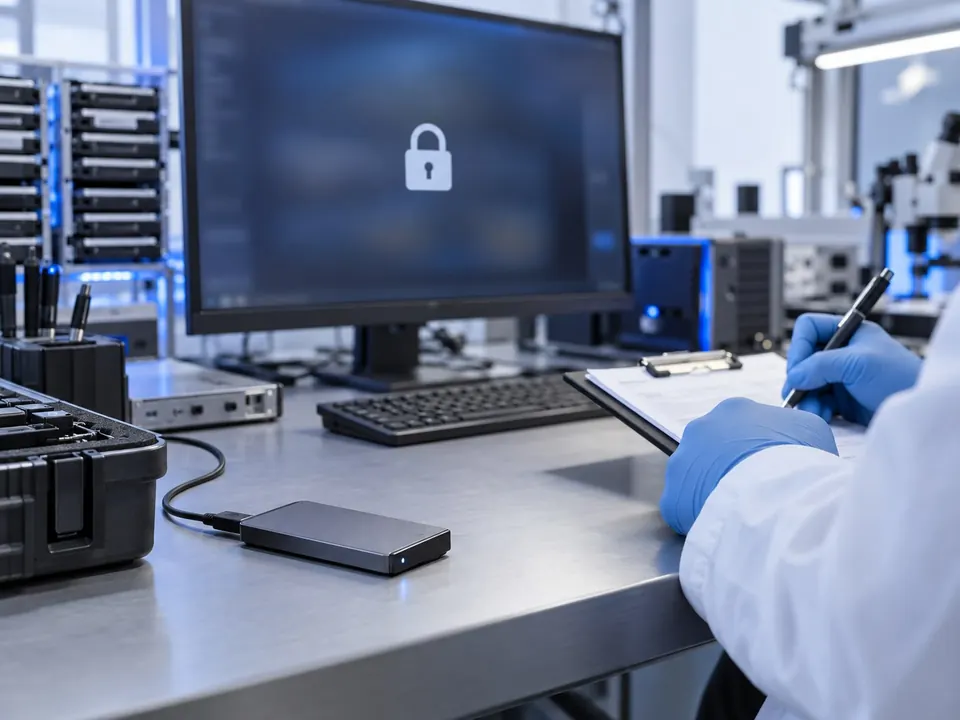
Your storage device's journey through the laboratory
- 1
Stop using the device
Do not power it on or attempt repairs yourself
- 2
Intake / Protection
Model, history, priorities and confidentiality
- 3
Diagnostics
PC‑3000 tests, ROM/SA, electronics and mechanical components
- 4
Safe imaging
Creating a safe sector-by-sector copy instead of working on the original
- 5
Recovery / Delivery
Extracting files, checking their structure and handing them over
The result will appear only after you search for a service code.
Laboratory assessment and prices
The price depends on the damage type, storage capacity, donor parts and complexity of the work. A laboratory assessment is required before recovery.
Frequently asked questions
Key answers about recovery chances, timeframes, donor parts and data protection.
Can I power on an HDD that clicks?
No. Clicking often indicates physical damage; each additional power-on can further damage the platter surface and heads.
What are PC‑3000 and Data Extractor?
They are a professional laboratory system for controlled work with damaged HDDs, SSDs and other storage devices. The system helps us diagnose faults, create safe sector-by-sector copies and recover files.
Can recovery be guaranteed in advance?
An advance guarantee is not possible. The actual chances of recovery are assessed after examining the device's condition, the damaged area and the initial laboratory read results.
Can files be recovered from a formatted drive?
It is often possible if the original sectors have not been overwritten with new data since deletion. Stop using the device and do not write anything to it.
How long does laboratory recovery take?
Logical recovery may take 1–5 business days, while physical damage may require around 3–15 days or longer. The exact timeframe is agreed after diagnostics.
Is my data handled confidentially?
Yes. We process only the agreed storage device and the priority files specified by the customer. Recovered data is handed over only to the customer.
Is your data important? Keep the device powered off for now
Send us the storage device's model, capacity, damage history and your priority files. Safe recovery starts with the right first step.
 Address7b/2 Tsotne Dadiani Street, Tbilisi