Drone care before and after a flight

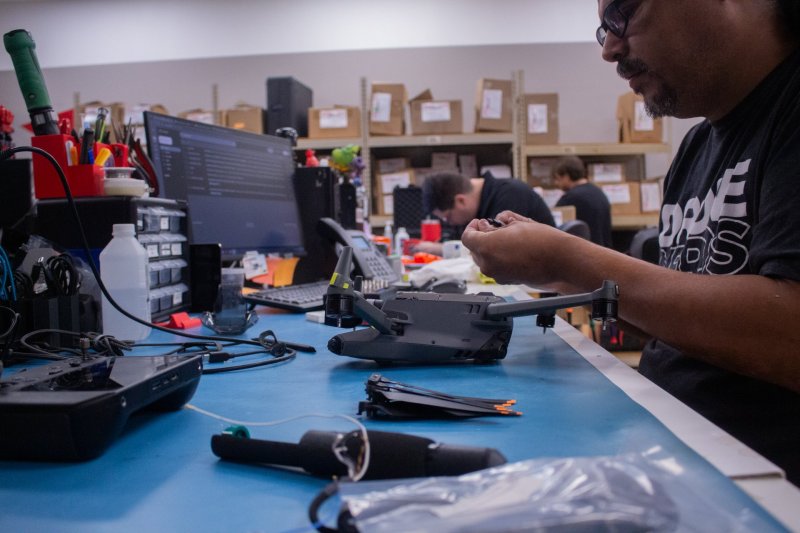
A damaged propeller, swollen battery or unexplained warning is a reason to postpone a flight. Follow your specific model's manual.
Inspect before take-off
Check the body, unfolded arms and propellers. Cracks, deformation and loose parts are not merely cosmetic. Remove the camera protector as instructed and ensure nothing obstructs the gimbal. Look for sand or debris near motors; do not force a part that resists movement.
- Confirm the battery is correctly seated and secured.
- Match each propeller and its mounting method to the correct motor.
Check the battery
Inspect its charge, casing and contacts. Do not fly with or charge a swollen, damaged or unusually hot battery. Let it cool after use in line with the manufacturer's guidance. Storage charge and temperature requirements differ between models, so do not rely on a universal percentage.
Review warnings and surroundings
Check app warnings, connection status and return-to-home settings. Return height must account for surrounding obstacles. Do not attempt a test flight while an unexplained compass, sensor or motor warning remains. After a crash, an intact exterior alone does not establish that the aircraft is safe.
After landing
Power down and inspect for new damage or moisture. Follow the manual for external cleaning; never pour liquid into motors. If a problem occurs, preserve the warning photo, flight record and a short account of the incident. Tell the service team the model and battery used. Plan post-repair checks in controlled, safe conditions.
Further reading
This article is a general guide. Follow the manufacturer’s instructions for your particular device.